BG Create Your DSJEX Trading Account with Team Miriam
Registration process
Create your DSJEX trading account.
Sponsor ID# B9UEKVT3TC00
Miriam Mills
■ Click on “Mobile number”.
■ Type number (No dashes).
■ Click on “Obtain code”.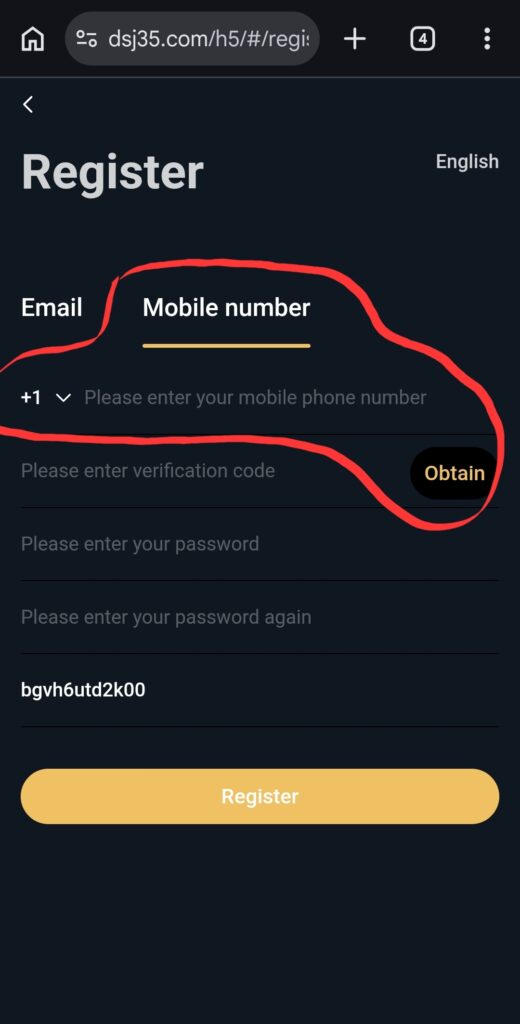
Code will be sent to your mobile phone.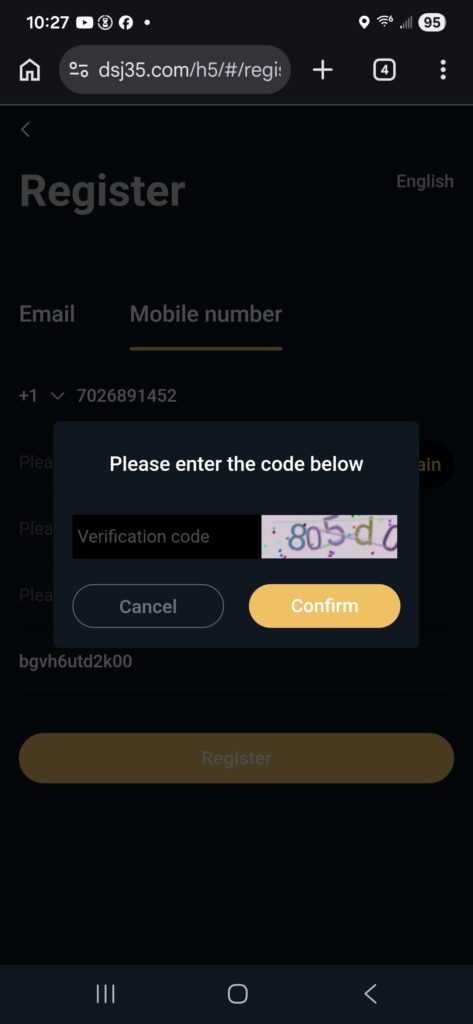
Type that code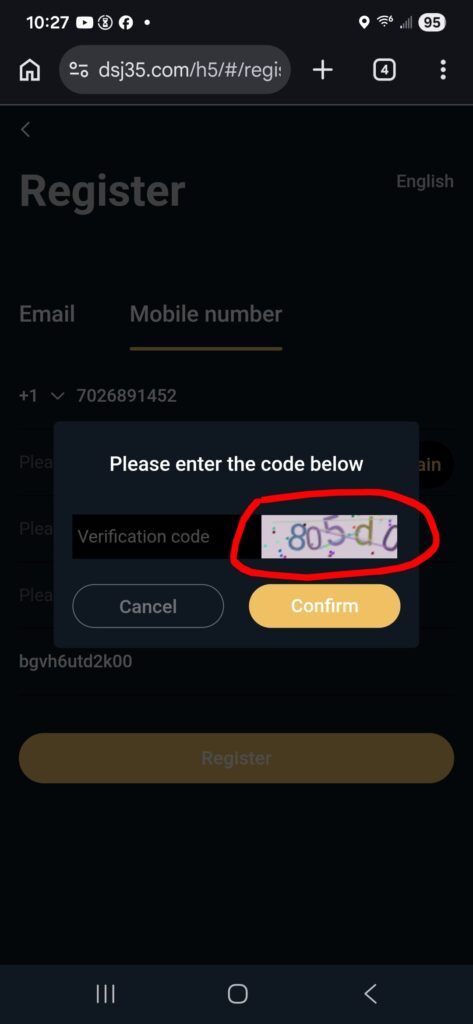
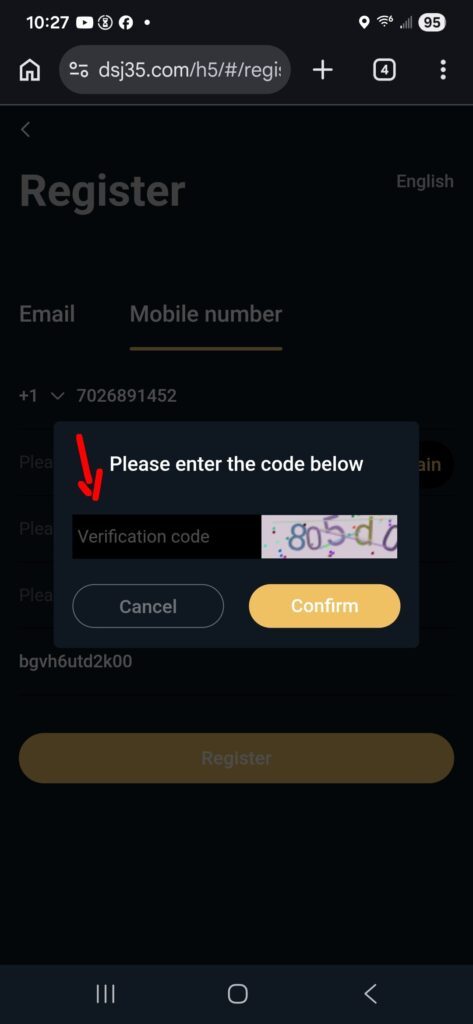
Click “Confirm”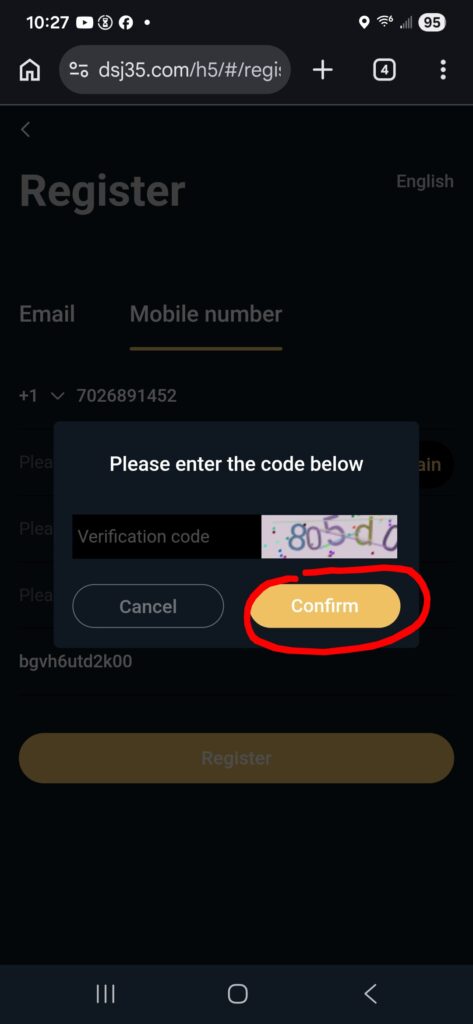
Soon as you click “Confirm, a code will be sent to your phone and the 60 second countdown starts.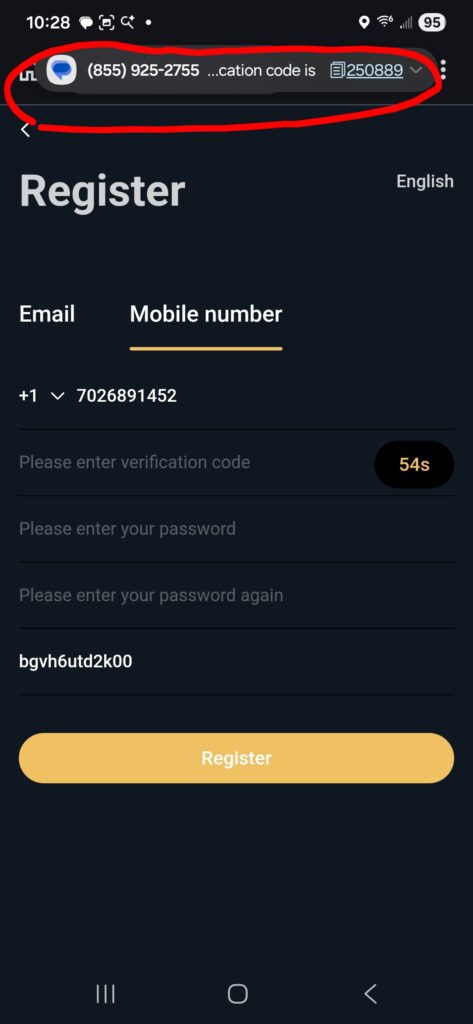
▪︎ Copy that verification code texted to your phone.
▪︎ Paste that on “Please enter verification code”
▪︎ Type your password twice.
▪︎ Click “Register”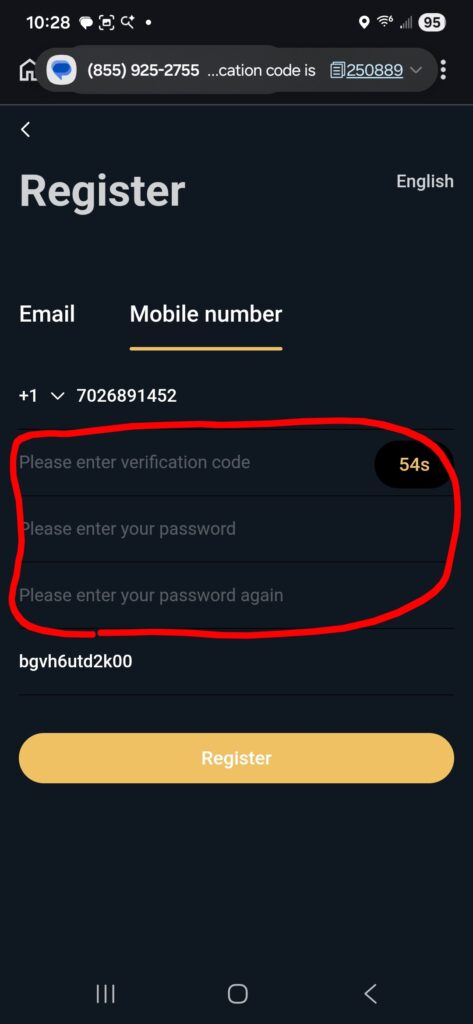
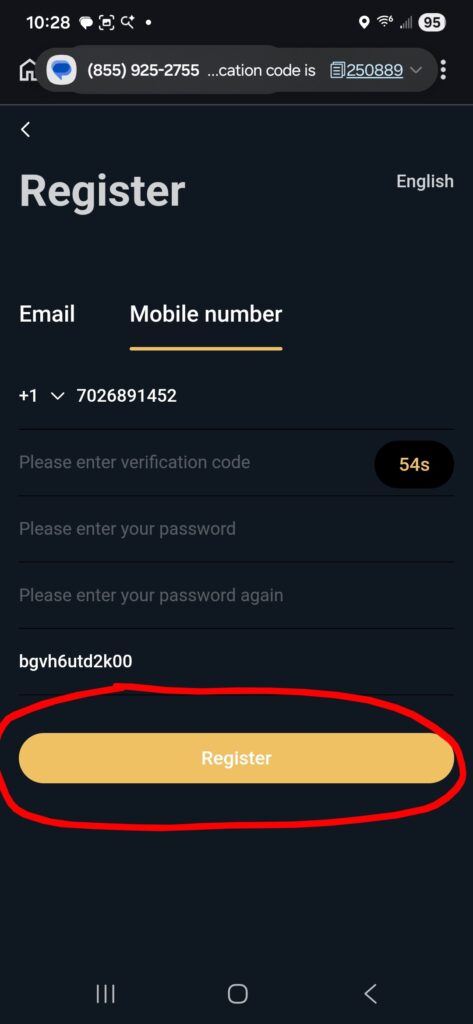
You’re finished.
Login
Click on the “<” on the upper left hand corner of the screen to login to your DSJEX trading account.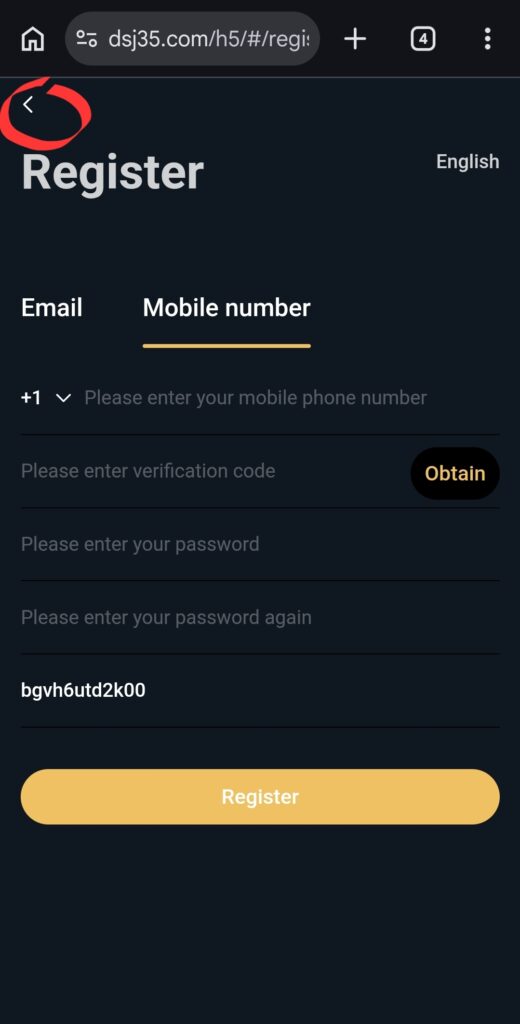
Type your login information. Then click to “Remember my password”.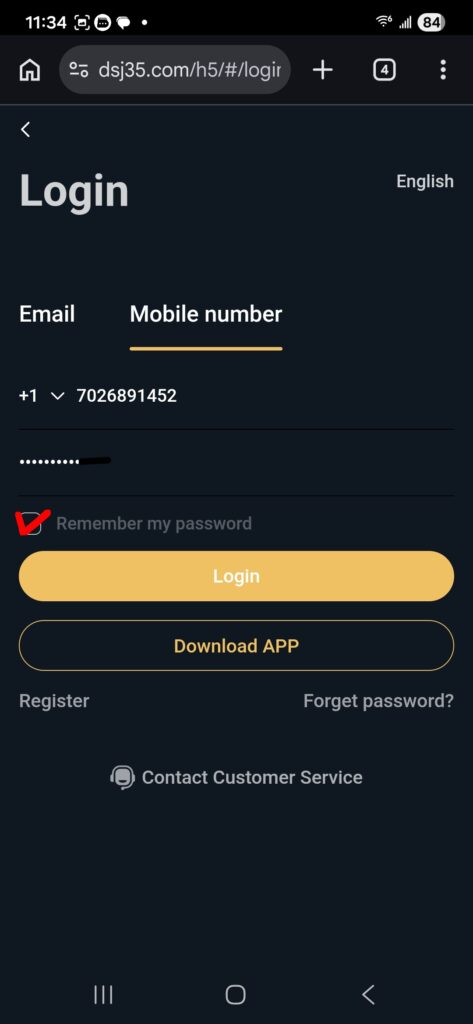
Click on the 3 dots on the upper right hand corner of the screen to add DSJEX shortcut to your Home screen. 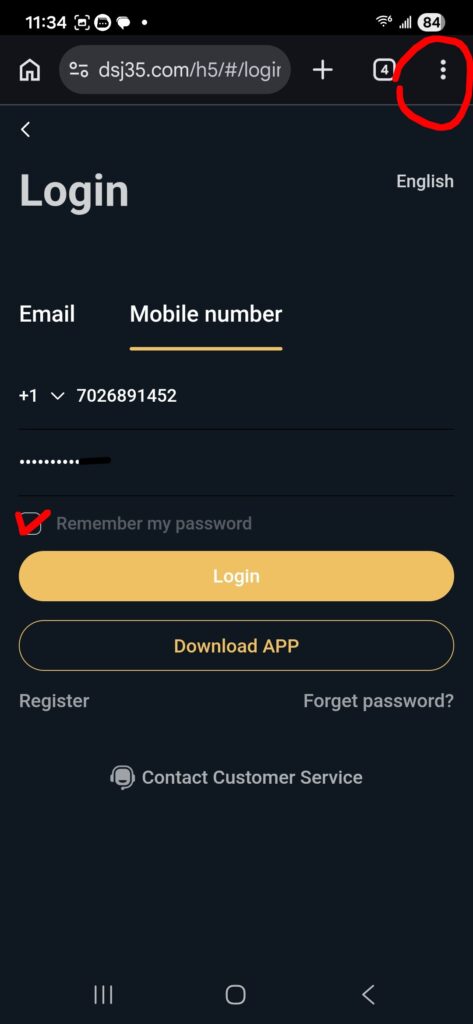
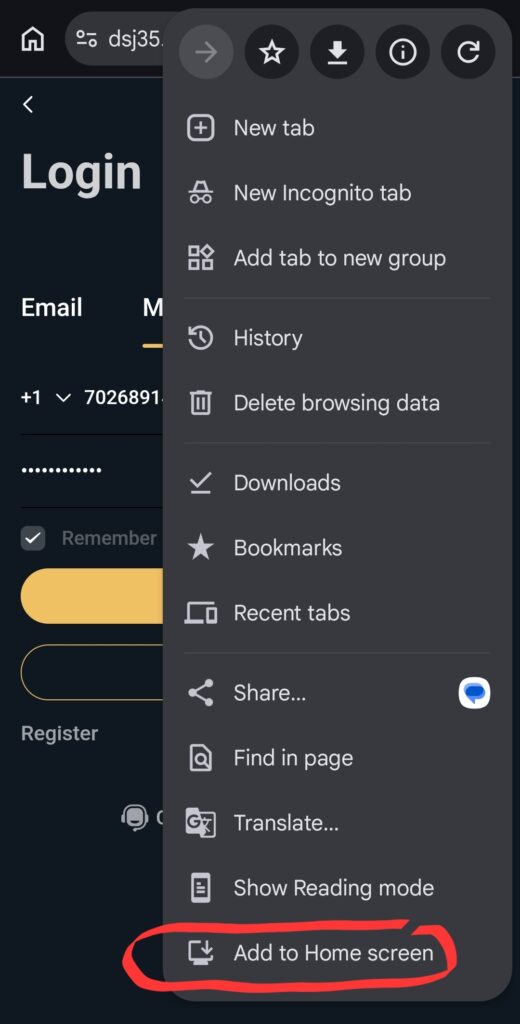
You’re set with the trading platform.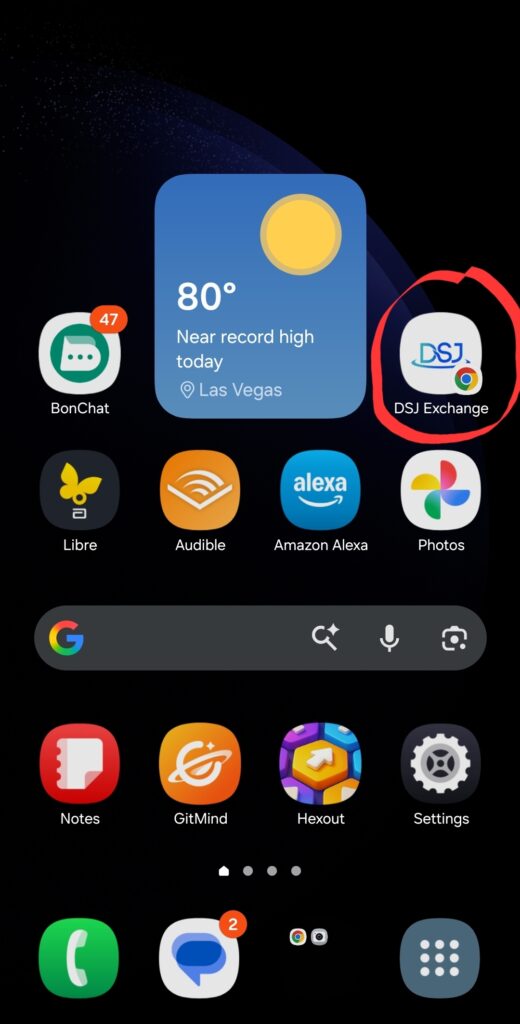
After creating your trading account, make a deposit.