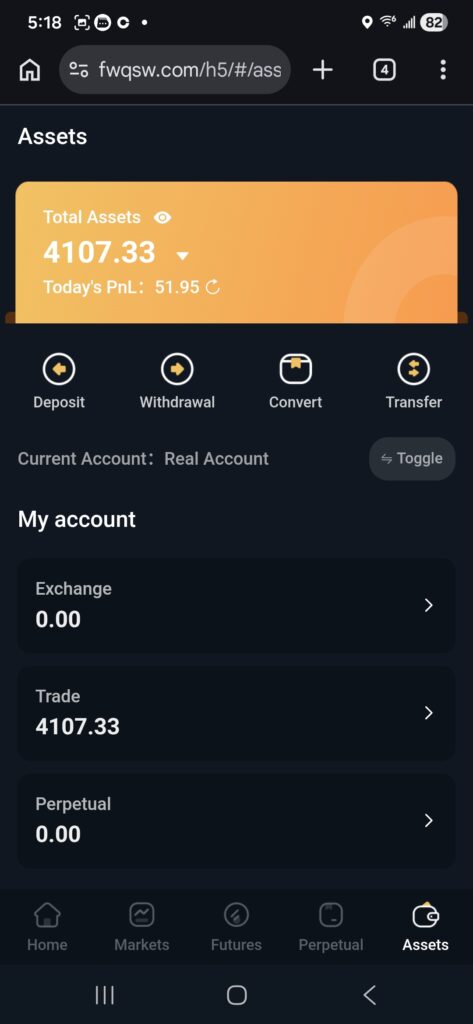
BG From Exchange to Trade
Now that you’ve confirmed your funds are in your “Assets” under “Exchange”, transfer it to “Trade”.
NOTE: In this example, the funds in the exchange is in Ethereum.
▪︎ From “Assets”, click “Exchange”
▪︎ Exchange will show the cryptocurrency and available amount that can be transferred.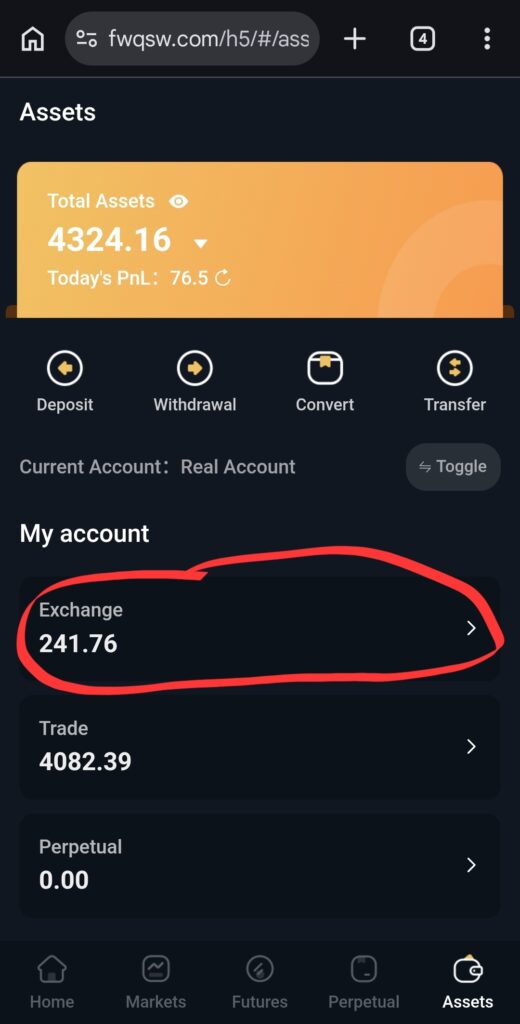
▪︎ Click “Transfer”. 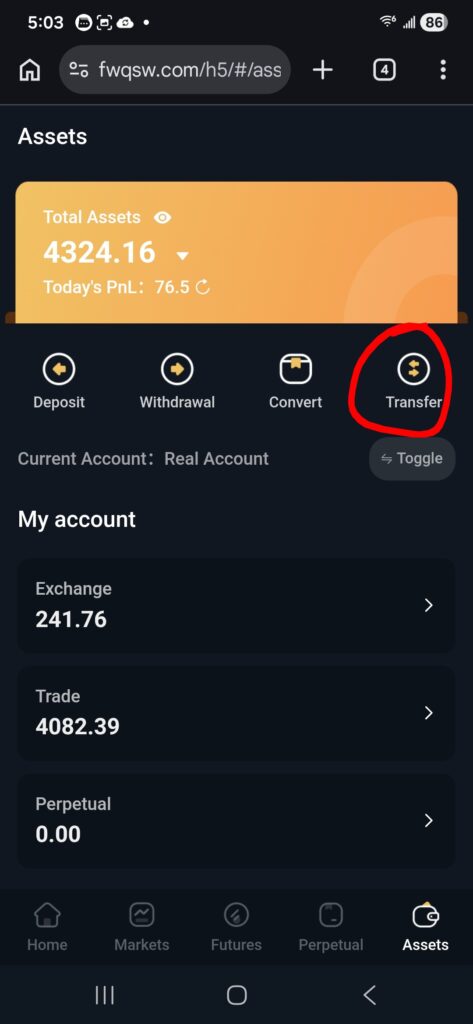
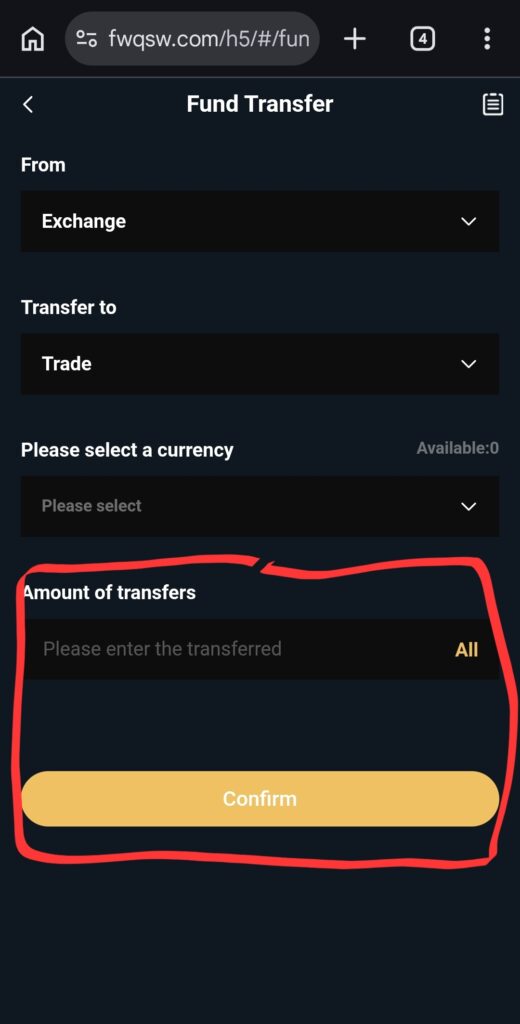
▪︎ On this page, do not change the “From” and “Transfer to”.
▪︎ To the right of “Amount of transfers”, click “All”.
▪︎ This will populate the amount and change the type of currency accordingly.
▪︎ Click “Confirm”