
BG Easy Trading Without Codes
Dynamic Trading Signals are bonuses earned in team building.
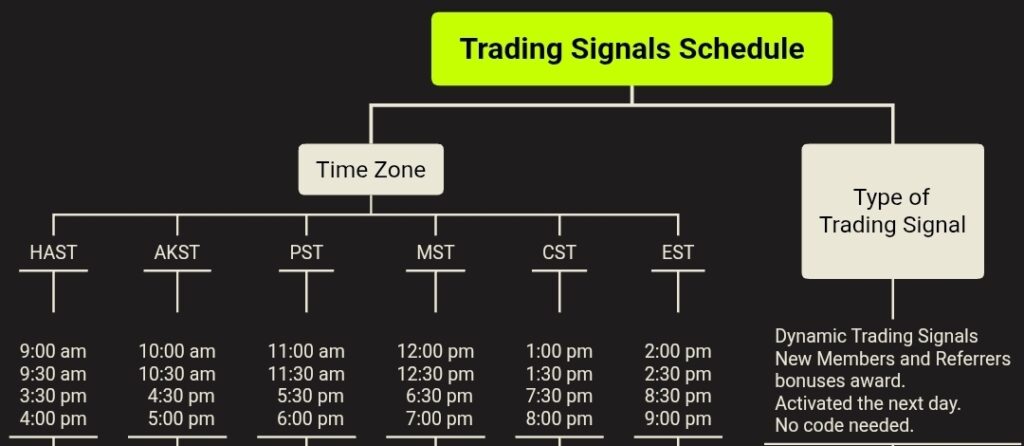
Let’s start.
1. From “Home”, click “Futures”.
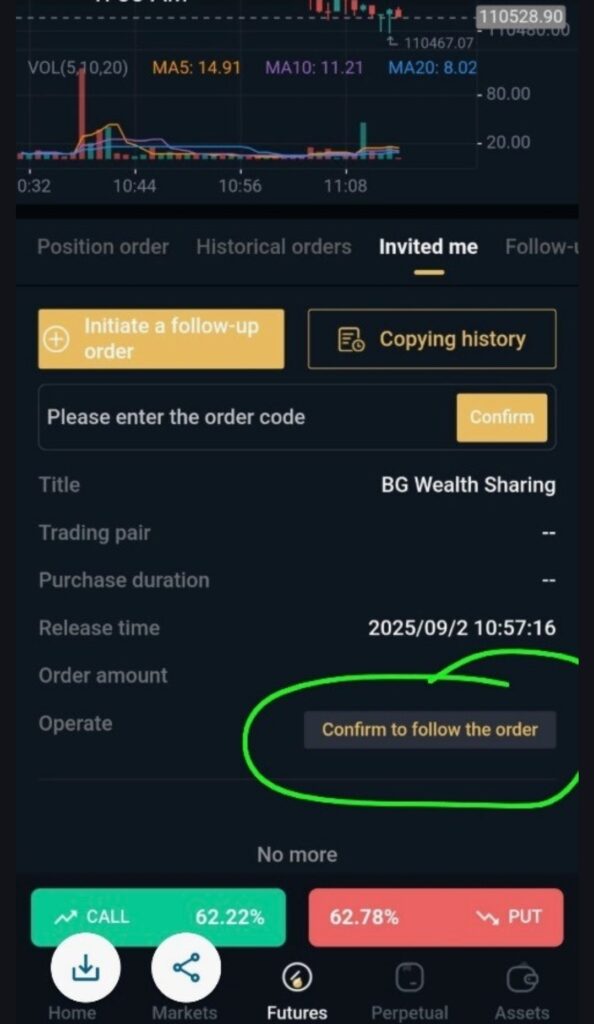
2. Click “Invited me”
3. Scroll up. Click “Confirm to follow the order”.
4. Scroll up again until you see “Done/Ok”. Click it.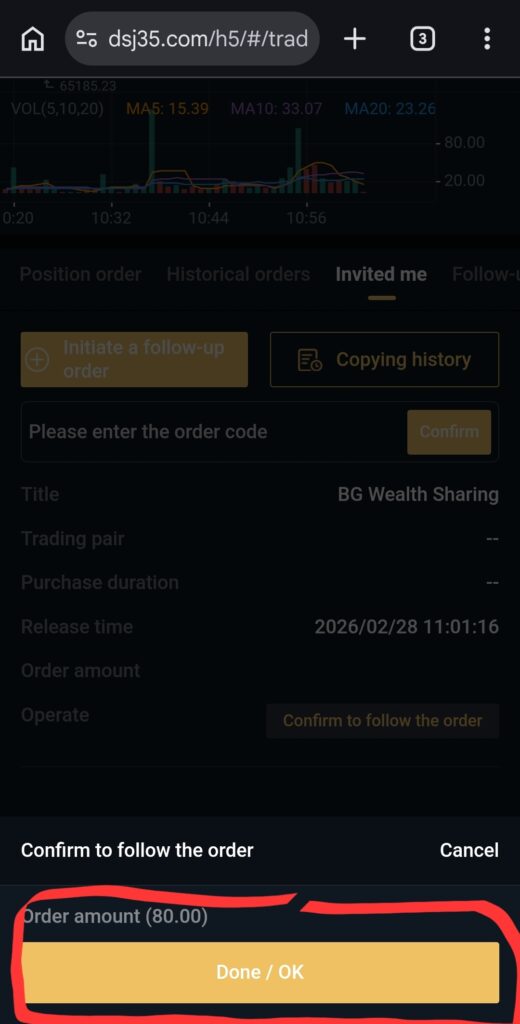
5. Click “Position order” to the left of “Invited me”.
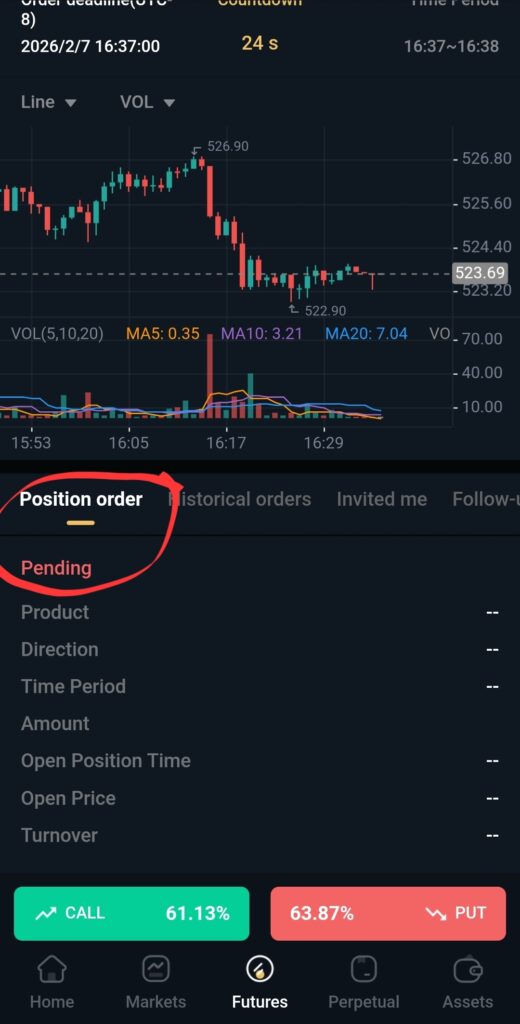
6. Later this will change reflecting your participation.
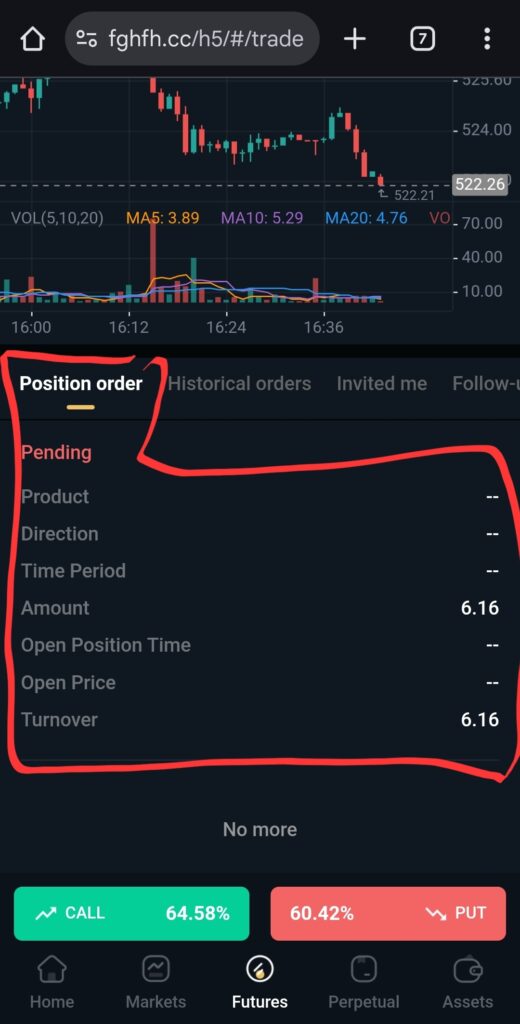
7. When you see the images below, that means the trade has ended.
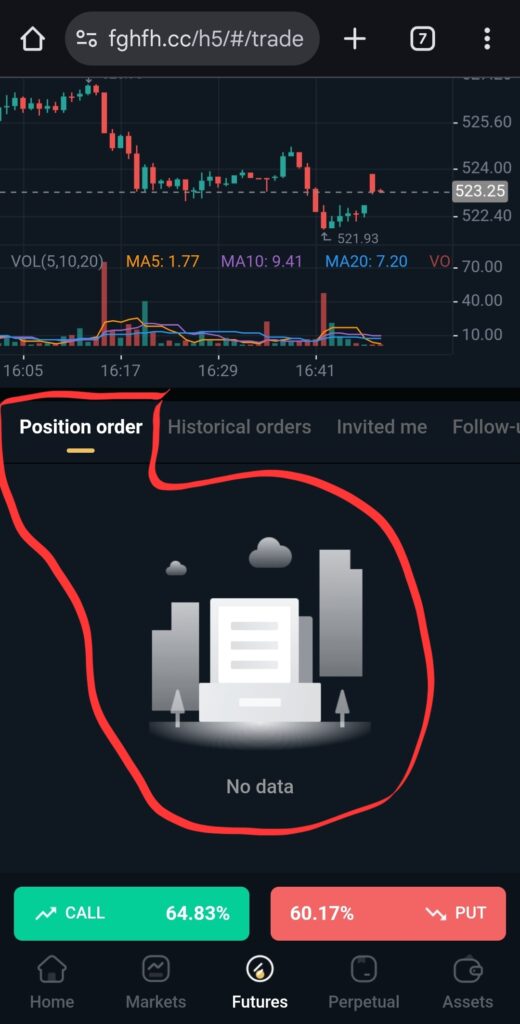
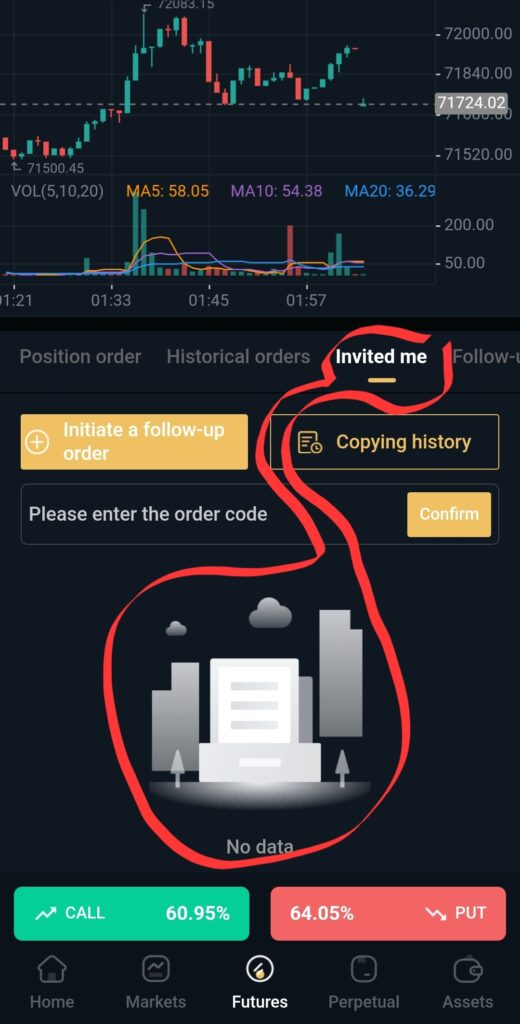 That’s it!