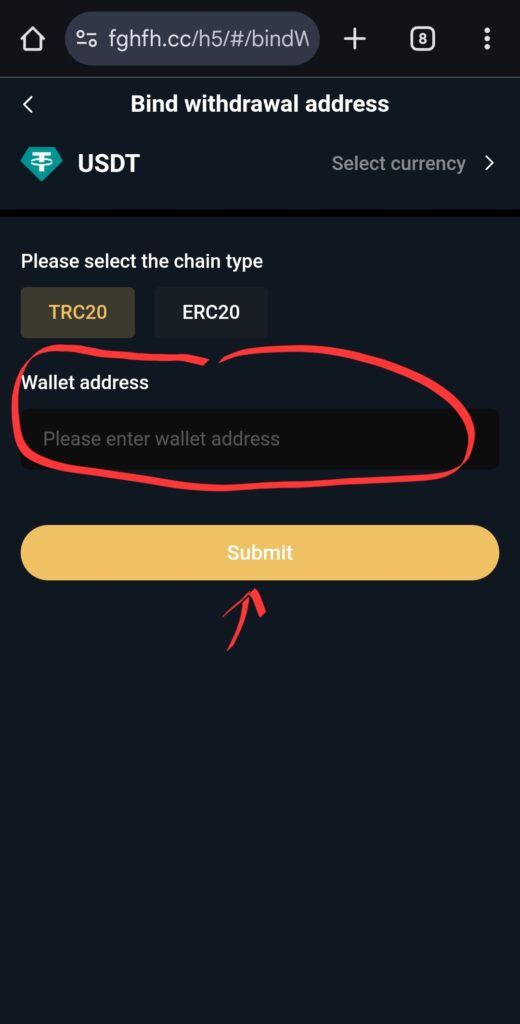
BG Withdrawal Setup
In this example, we’re using Coinbase wallet.
NOTE:
THE DEFAULT IS USDT.
DSJEX ACCEPTS ETHEREUM so YOU MUST CHANGE THE CURRENCY. SELECT “ETH”.
■ Go to your wallet where the funds will be received.
■ Click “Deposit”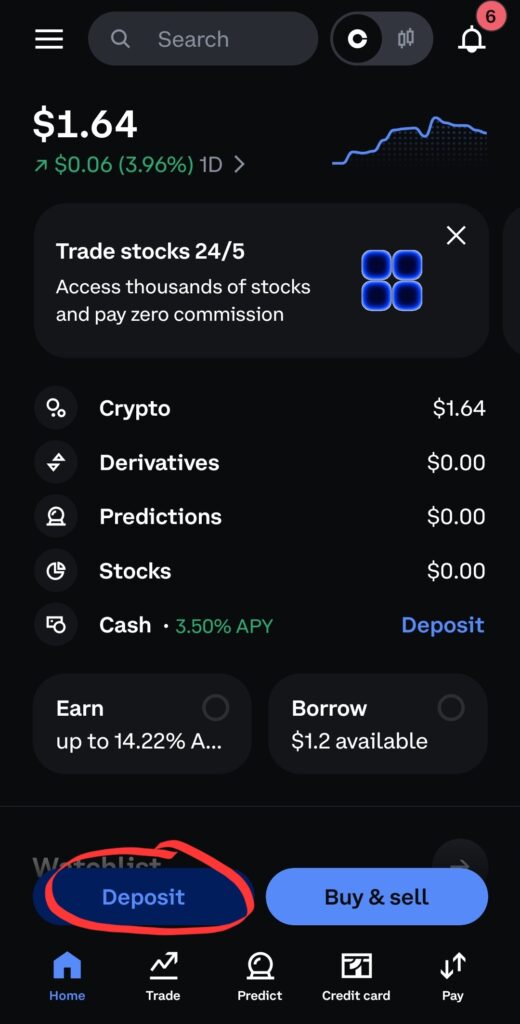
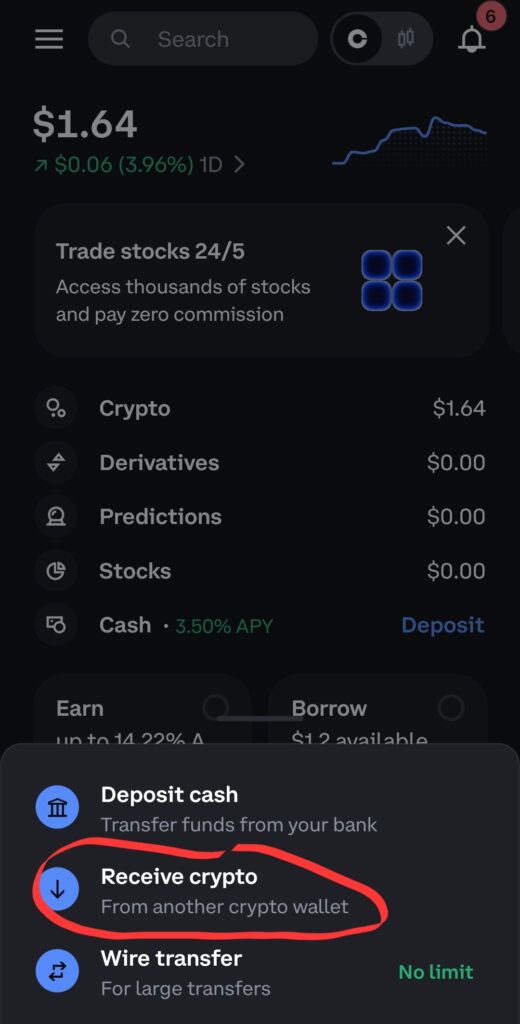
Select the currency to be received. It has to match what you have on the withdrawal.
Example: USDT
Note: For DSJEX, select currency, “ETH”.
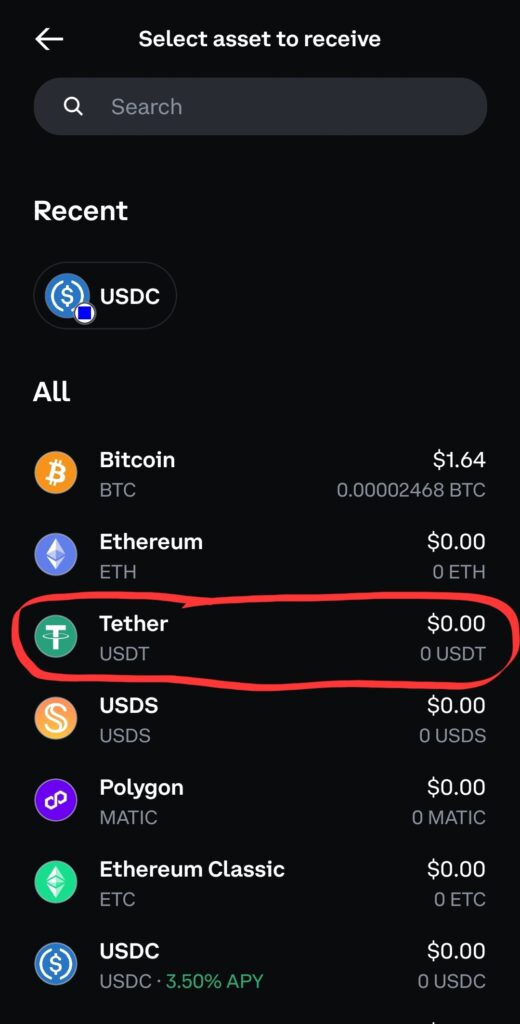
Copy the “Deposit address”.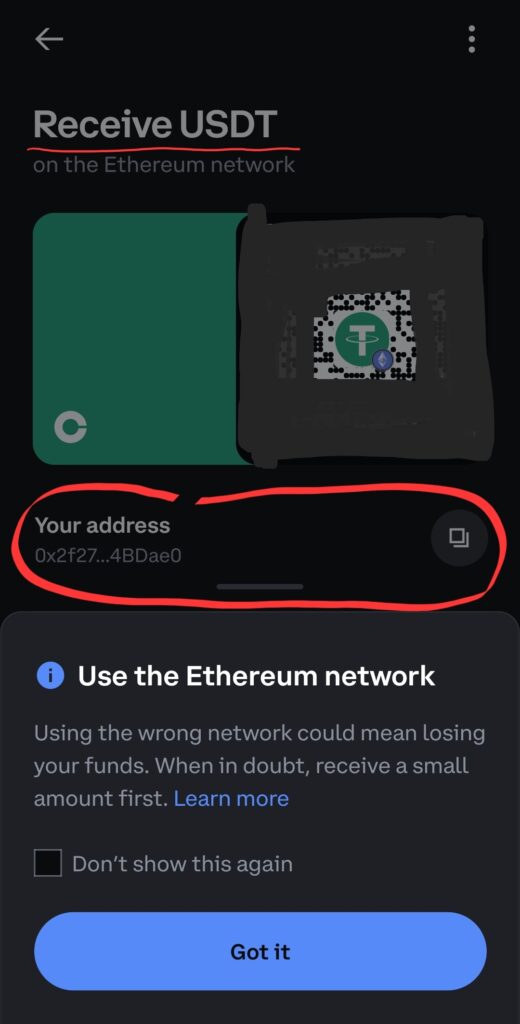
■ Switch to your DSJEX trading account and continue where you left off.
■ If you must, click “Select currency” and change it to match that of what you copied on Coinbase.
■ Under “Wallet address”, paste this address that you just copied.
■ Then “Submit”.